

Claude’s current help page describes sharing chats that use connectors or synced content as something organizations can disable, rather than a blanket prohibition. That matters when teams hand over work based on connected files. It is a help-center change, not a separately verified product-launch announcement or a promise that every account has identical sharing behavior.
Our take from the official guide: the control exists, but the page does not say whether sharing is on or off by default, or when the change reached each plan — so check the setting in your own organisation before you share a connector chat, and don’t assume a link reveals only what the recipient could already see.
What the current documentation says
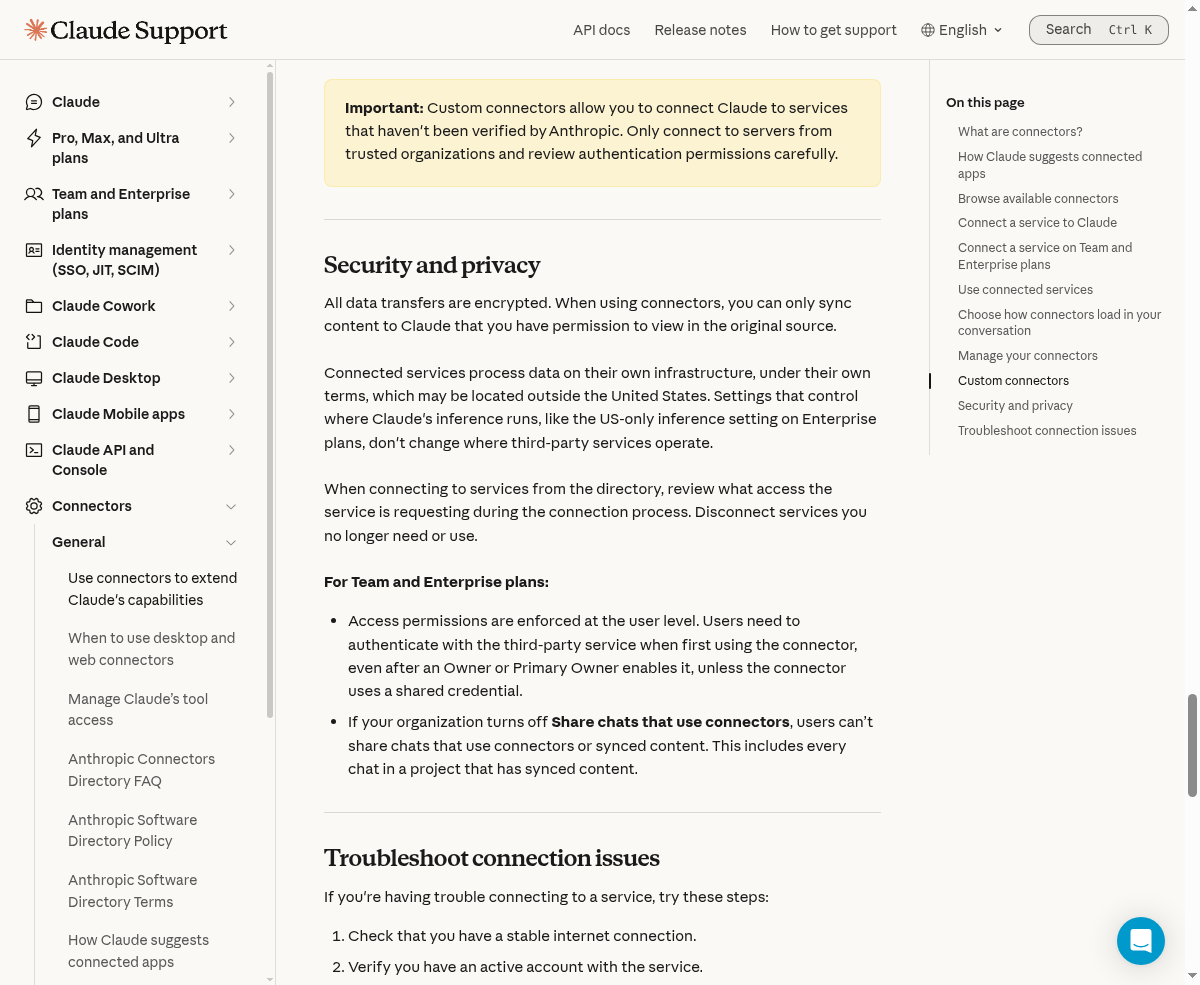
The official connector guide says organizations can turn off “Share chats that use connectors.” When disabled, users cannot share chats using connectors or synced content. The restriction also covers every chat in a project containing synced content.
AI Docs Watch recorded the change on November 7 at 18:16 MYT. According to that third-party tracker, earlier wording limited connectors to private projects and prohibited sharing chats with synced content. We verified the current wording directly; the historical comparison comes from the tracker.
The help page doesn’t state the sharing control’s default or exactly when the change reached each plan. A documentation timestamp is not a rollout guarantee.
Connector access and chat sharing are different checks
Anthropic says connectors inherit a person’s permissions in the connected service. A user who cannot access a source file cannot retrieve it through their connector. Custom connectors using a shared credential instead reach what that credential permits.
That doesn’t answer every question about a shared chat. The page does not explain whether a recipient can see underlying connector results, how those results appear, or whether source permissions are checked again for the recipient. Do not treat the source-access rule as proof of what a shared link reveals.
For agencies, that means checking the actual conversation before sharing it. A summary can contain confidential material even if the original file remains inaccessible to the recipient.
What team owners can control
The guide also describes action restrictions on Team and Enterprise plans. Owners can permit reading while blocking writes, or require approval for selected actions. Those controls narrow permissions. They don’t grant access missing from the original service.
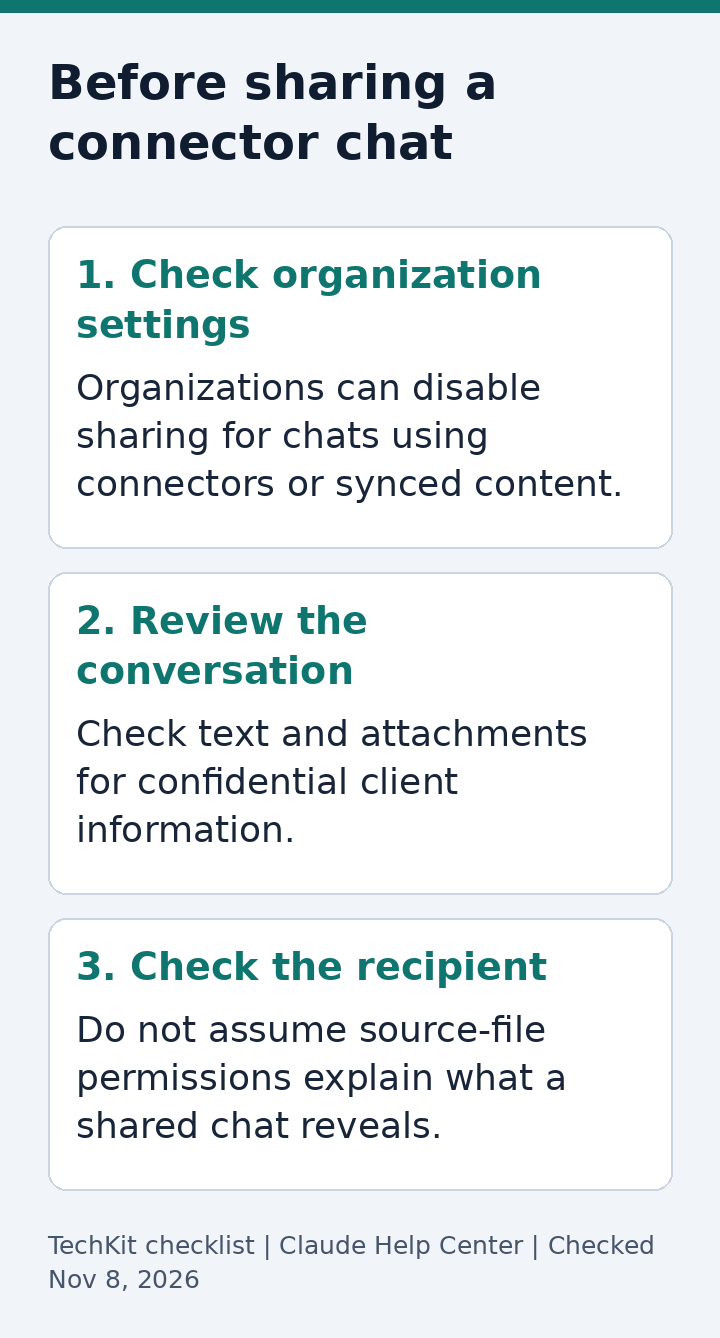
Before handing over a connector-assisted conversation:
- Confirm the organization allows sharing and that the intended conversation can be shared.
- Review its text and attachments for client information.
- Check who should receive the link and follow your organization’s confidentiality rules.
- Keep connector read/write permissions separate from the decision to share the finished conversation.
For another recent data-connection update, see our Claude Personal Finance coverage. Its requirements are separate from general connectors.
FAQ
Can teams share connector chats?
The current guide describes sharing subject to an organization control. Confirm the setting and behavior in your account.
Does disabling sharing affect an entire project?
Yes, the guide includes every chat in a project with synced content.
Do Free users get custom connectors?
Yes. The guide limits Free to one custom connector; this is not a guarantee about sharing on every plan.
Is sharing on by default?
The cited page does not say.
Was there a launch announcement?
Our evidence is the current help page and a third-party change record, not a separate announcement.
Sources
Claude’s connector guide and AI Docs Watch’s November 7 comparison.
Based on Claude’s official connector guide, checked November 13, 2026.
1 thought on “Claude Connector Chats: What Teams Can Share Now”