
Disclosure: this article contains no affiliate links. All links are plain links, and we earn nothing if you click them. See our affiliate disclosure. Based on Pelican’s official press page and App Store listings, checked November 13, 2026.
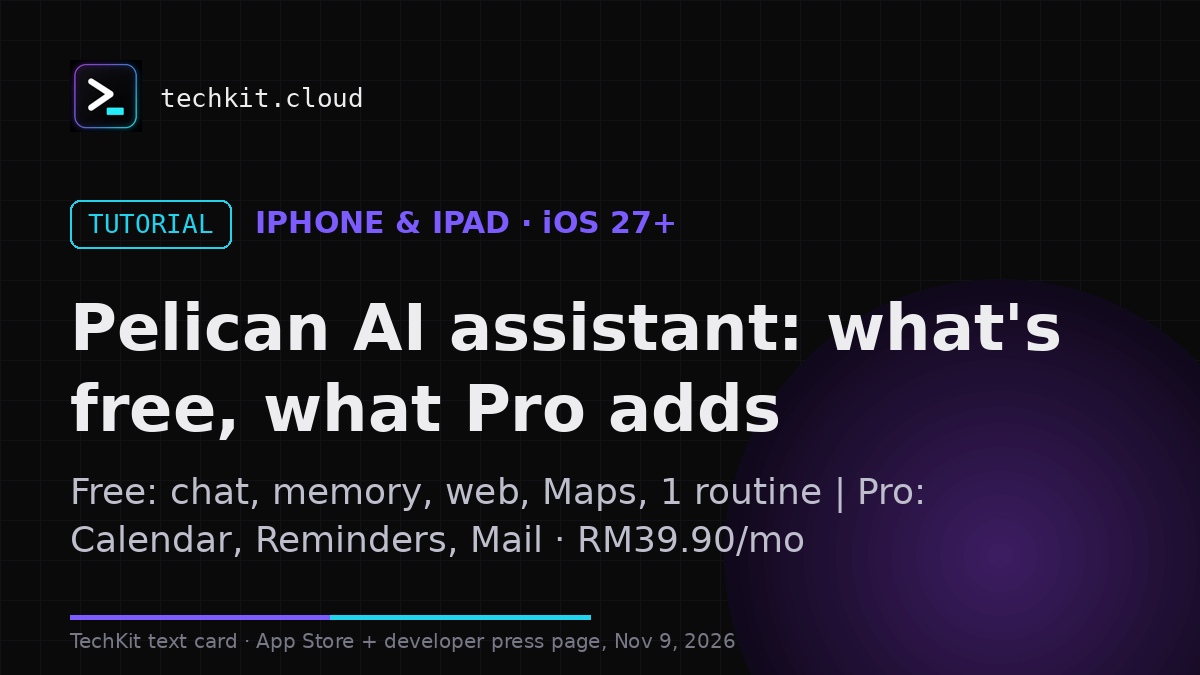
Pelican is an iPhone and iPad AI assistant from Finn Voorhees. Its free tier includes chat, memory, web access, Maps, shared files and photos, and one routine. Calendar, Reminders and Mail need Pelican Pro. The app requires iOS 27 or iPadOS 27 or later; model access has separate requirements and possible costs.
Our take from the listings: the press page names November 9 as worldwide availability, but the version history we saw on November 9 dated 1.0 to October 22 and 1.1 to November 2–3, and the US storefront still showed an expected-release message on the morning of November 9 — so this guide does not claim a new worldwide launch.
We do not have a Pelican affiliate link. Our linked Fireflies guide contains affiliate links.
Free does not include the whole assistant
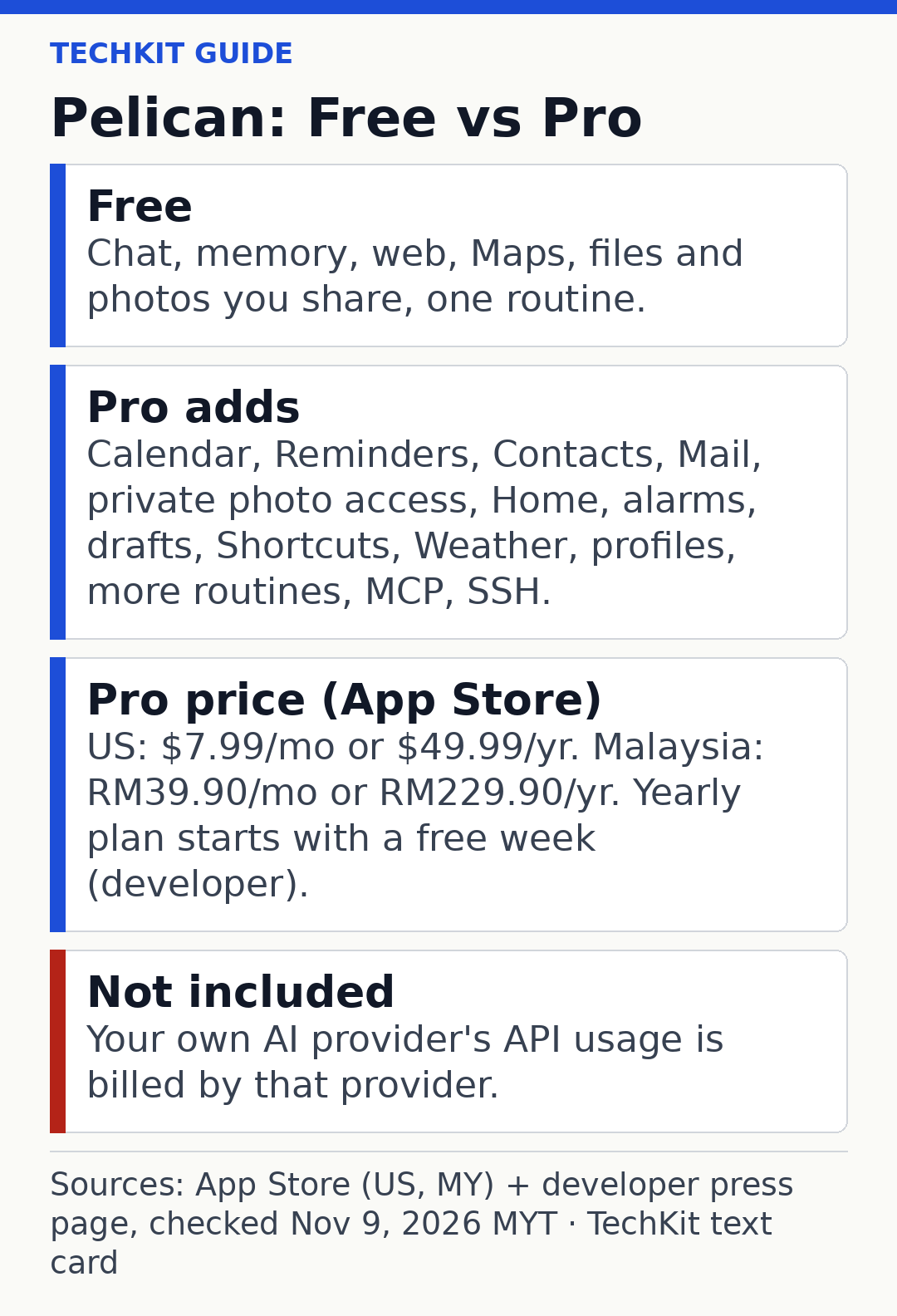
According to the official press information, you can chat, let Pelican remember information, search the web and work with files you share without paying for Pro. One routine is included; more require the subscription.
The paid feature list is much broader. Pro adds Calendar, Reminders, Contacts, Mail, private photo access, Home controls, alarms and timers, message and email drafts, Shortcuts, Weather, profiles, MCP servers and SSH access.
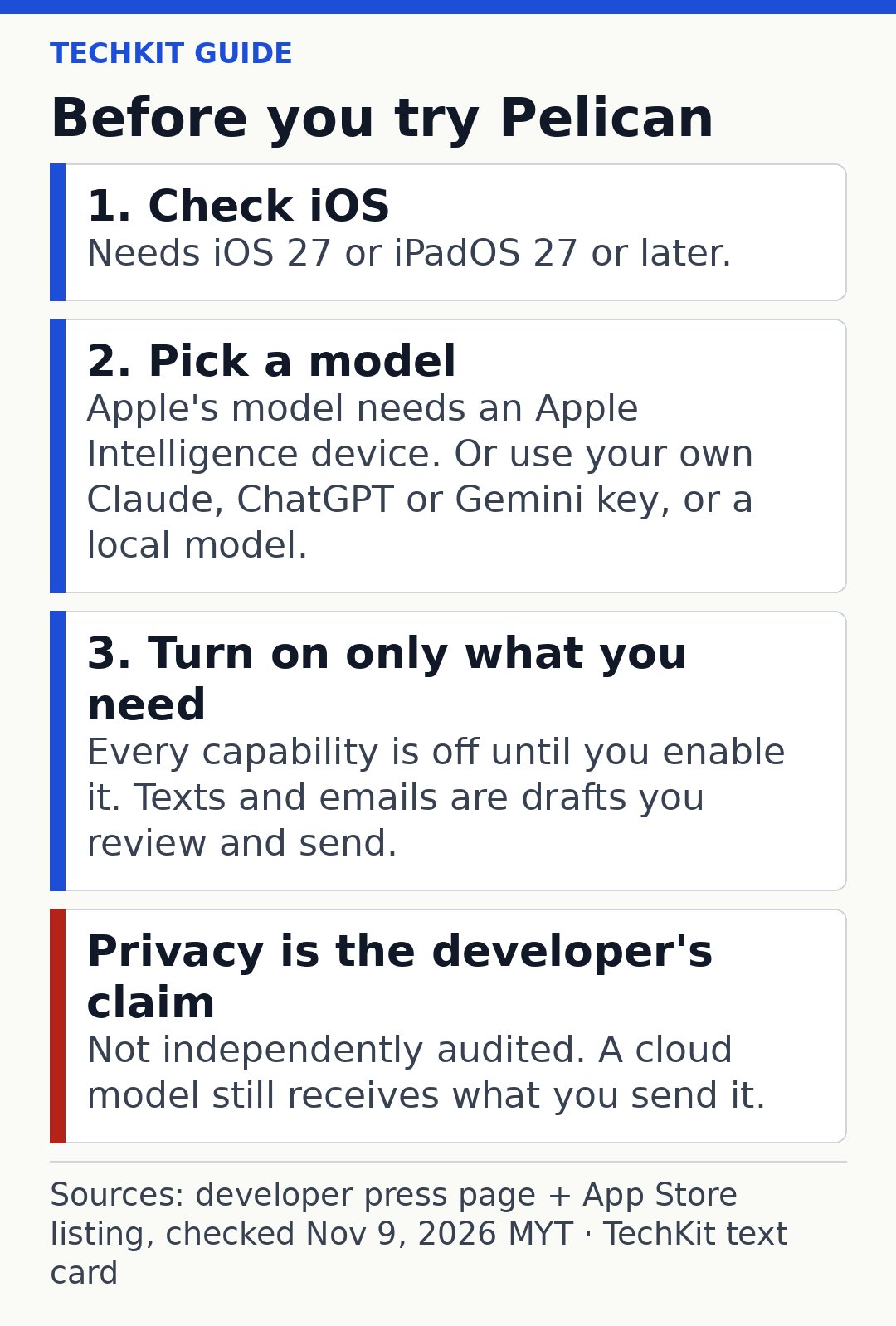
That matters if you’re trying it mainly to manage appointments or search email. Those are not free-tier features. For messages and email, the developer describes drafts that you review and send, not permission for the app to send on its own.
What Pelican Pro costs
The developer lists US prices of $7.99 a month or $49.99 a year (billed yearly), with a free week on the yearly plan. Regional prices differ.
The Malaysian App Store listing showed RM39.90 monthly and RM229.90 a year (billed yearly) when checked on November 13, 2026. These are storefront prices, not a currency conversion from the US subscription. Confirm the offer and renewal terms shown on your own device before subscribing.
If you supply an AI provider’s API key, its usage charges are separate. Paying for Pelican Pro doesn’t establish that provider calls are included.
Check your phone and chosen model
The App Store specifies iOS 27 or later for iPhone and iPadOS 27 or later for iPad. The developer says Apple’s model also needs a device supporting Apple Intelligence. We have not verified that model’s availability on a Malaysian device.
Pelican also supports a choice of external providers and custom connections. Start by checking the model and permissions you actually need. Give an assistant Calendar, Mail or remote-computer access deliberately. You don’t need to enable everything at once.
Privacy depends on the model you choose
The developer’s press page says chats, memory and API keys stay on the iPhone; since version 1.2, the App Store description says conversations and memory stay on your devices and sync through your own iCloud. Messages go directly to your chosen AI provider, and private-photo analysis happens on the device. Those are the developer’s statements, not an independent security audit.
“On your phone” does not mean every AI response is generated locally. A selected cloud provider receives the messages sent to it. The App Store privacy disclosure also lists data not linked to identity, including purchases, identifiers, usage and diagnostics. Review both Pelican’s privacy policy and your model provider’s terms.
Why we are not calling this a November 9 launch
The developer’s press page names November 9 as the worldwide availability date. During our morning check on November 9, the US storefront still showed an expected-release message. By our evening recheck at 18:19 MYT that day, both the US and Malaysian listings showed version 1.1, and Apple’s lookup data gave November 9, 2026 (16:00 MYT) as the release date. On November 9, the same listings’ version history dated version 1.0 to October 22 and 1.1 to November 2–3. By November 13, both listings showed version 1.2, dated November 10, 2026. Those pages do not establish a consistent first-launch timeline. This guide does not claim a new worldwide launch or that we completed an installation.
Is it worth trying?
The free tier can help you assess basic chat and the one included routine before deciding whether the phone integrations justify Pro. If your priority is meeting transcripts rather than a general phone assistant, read our Fireflies free-plan guide for that narrower job.
Related on TechKit: Claude connector chats: what teams can share · Meta Muse voice and avatars in the US
Quick questions
Does Pelican require its own account?
The developer says no.
Is Pro necessary for email?
Yes, Mail access and email drafts appear in its paid feature list.
Is every supported model free?
No. External provider usage can be billed separately.
Sources
- Pelican press information (features, free tier, Pro prices, worldwide availability date)
- Malaysian App Store listing (iOS requirements, Malaysian prices, version history, privacy disclosure)
Sources and prices checked November 13, 2026, MYT.
1 thought on “Pelican AI Assistant for iPhone: Free Tier and Pro Prices”